
PagePluck
PagePluck shares only the PDF pages you pick.
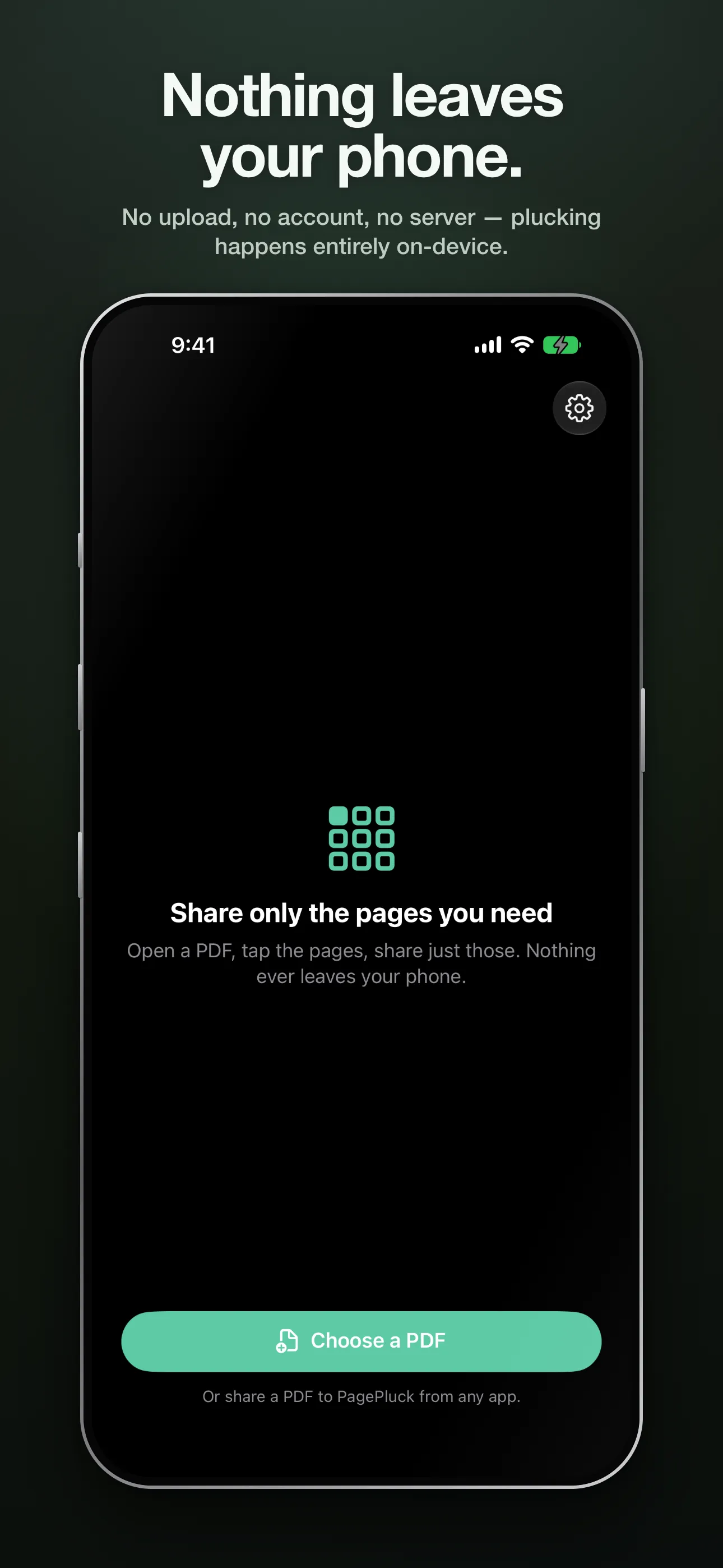
Someone needs pages 3–5 of a 40-page PDF — not the other 37. Open the PDF (or share it to PagePluck from any app), tap the pages you need, and share a new PDF containing just those — full quality, straight from your iPhone.
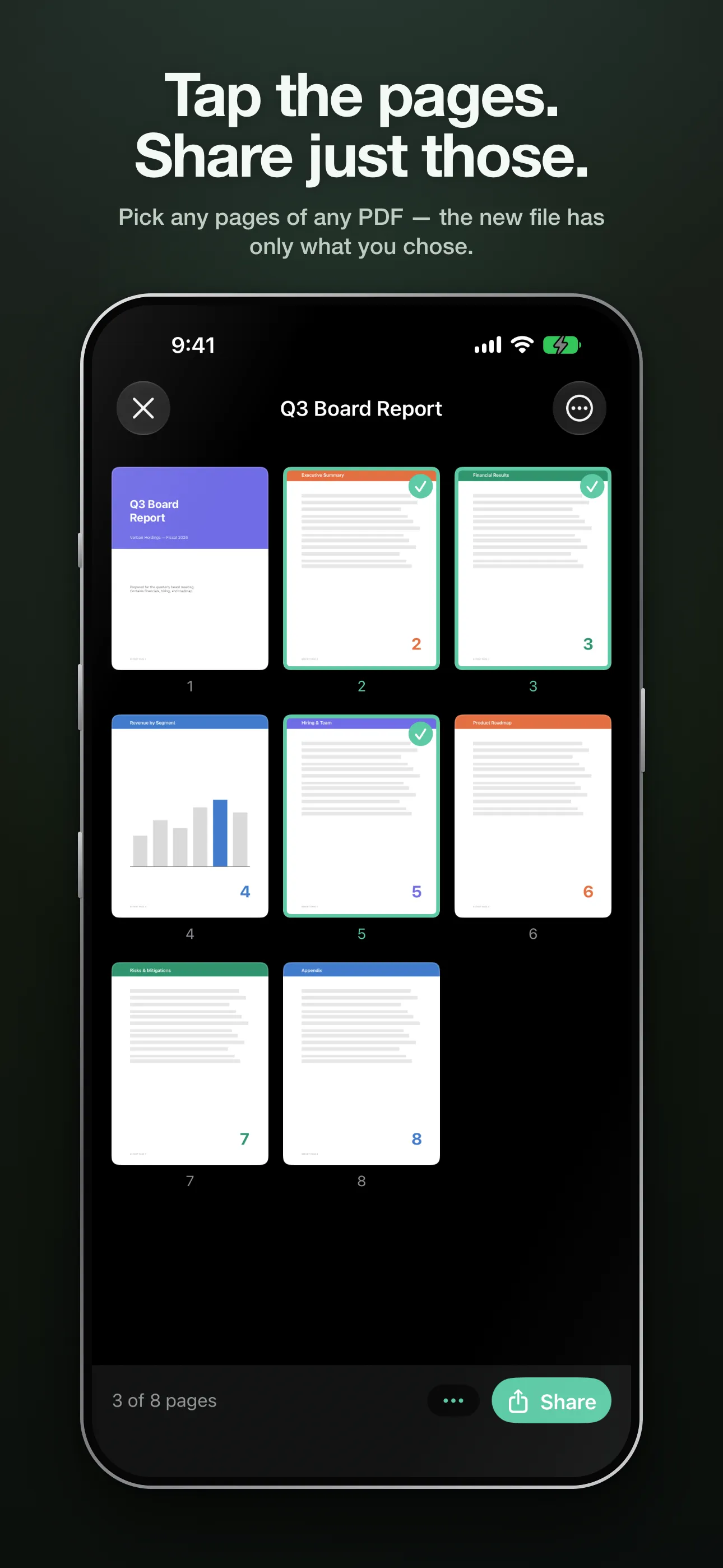
- One job, done fast: open, tap, share. No document manager, no learning curve.
- Send it your way: the share sheet, straight to email, or saved into Files.
- Pages are copied intact, never re-scanned or recompressed — text stays sharp and searchable.
- Works with password-protected PDFs; the copy you share opens without the password.
- Self-explanatory filenames: “Lease (pages 3-5, 8).pdf” tells the recipient what they got.
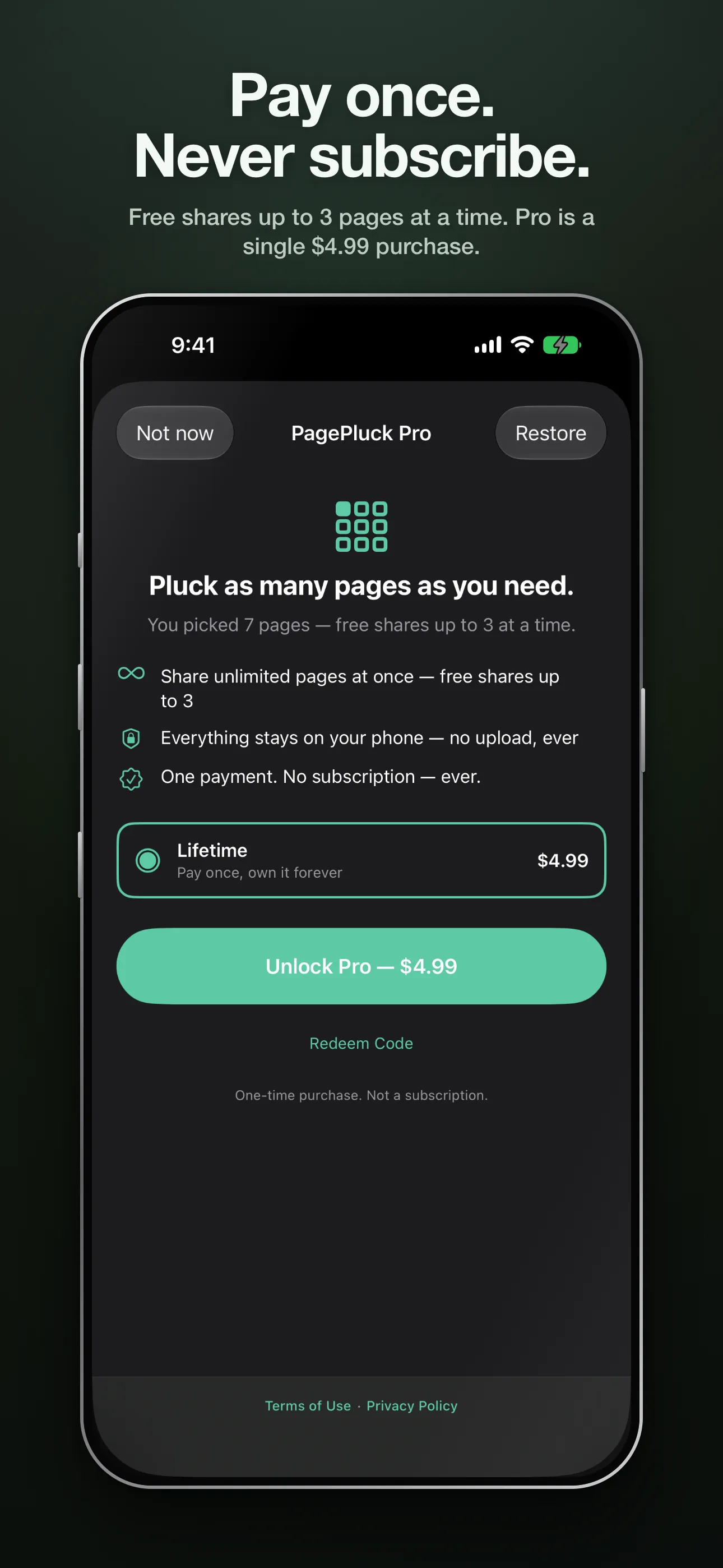
- Free shares up to 3 pages at a time; Pro ($4.99, once) unlocks unlimited. No subscription.
Free for shares of up to 3 pages; Pro is a single $4.99 purchase. No subscription.
Privacy
Your documents never leave your phone: plucking happens entirely on-device — no upload, no account, and the original PDF is never modified. To improve the app, PagePluck may collect anonymous usage data (which features get used — never a document, filename, or page content) and anonymous diagnostics (crash and performance reports). None of it is linked to you or used to track you, it goes only to Verbari — no third parties — and the analytics switch in Settings turns it off. Feedback you choose to send from Settings goes to Verbari and contains only what the form shows you.
The full privacy policy is short enough to read.